Sensitive needs get summarized poorly
Capture household priorities and access considerations in a role-protected record.
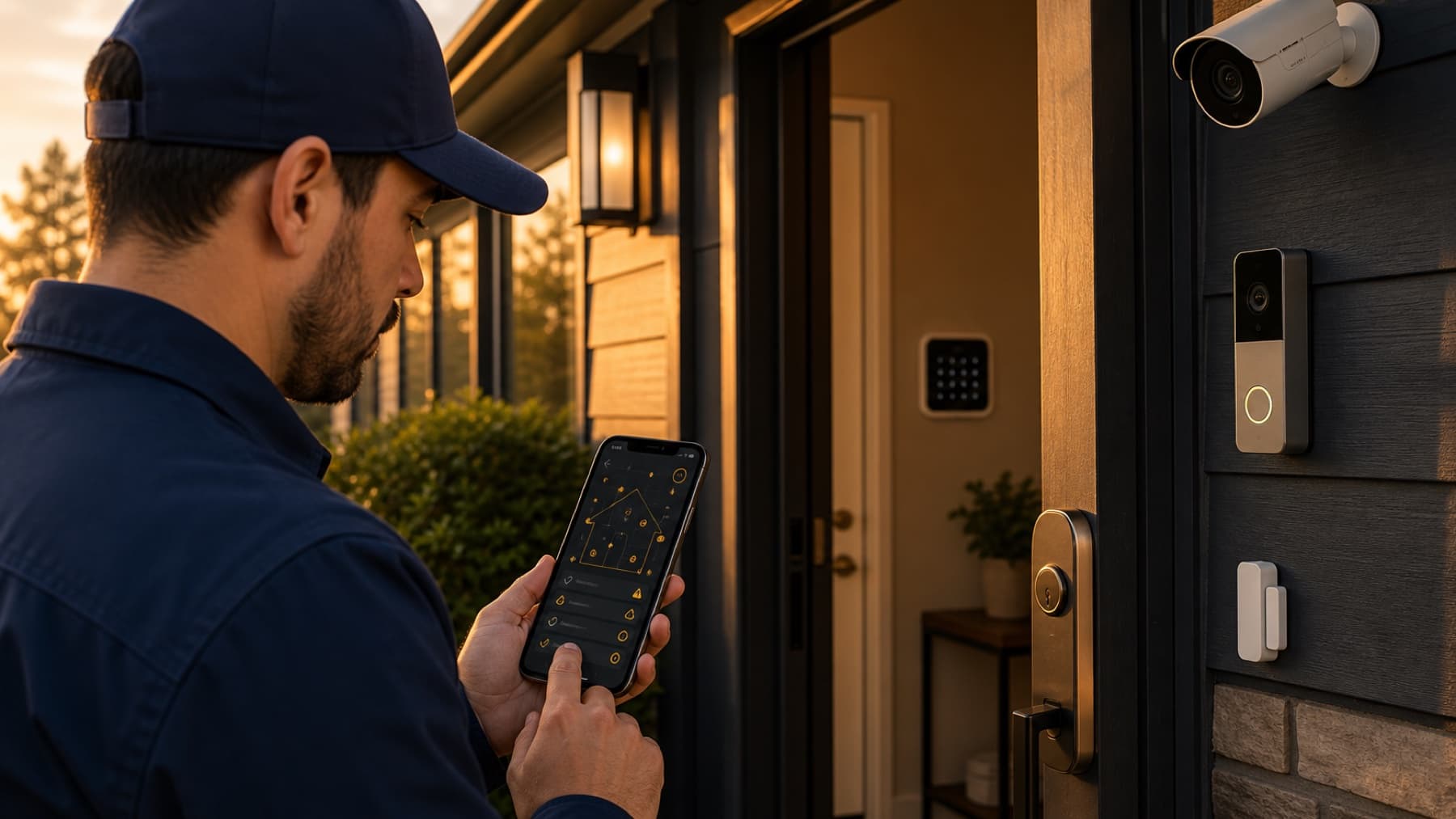
Coordinate neighborhood prospecting, document household security priorities, schedule consultations, and keep every customer touchpoint accountable.
Capture interest in cameras, doorbells, sensors, smart locks, monitoring, and installation timing in a role-protected property record.
Give every property, conversation, appointment, and outcome the context your team needs to act.
Capture household priorities and access considerations in a role-protected record.
See active doors, conversations, appointments, and follow-up opportunities by territory.
Carry approved photos, notes, decision-maker details, and appointment history forward.
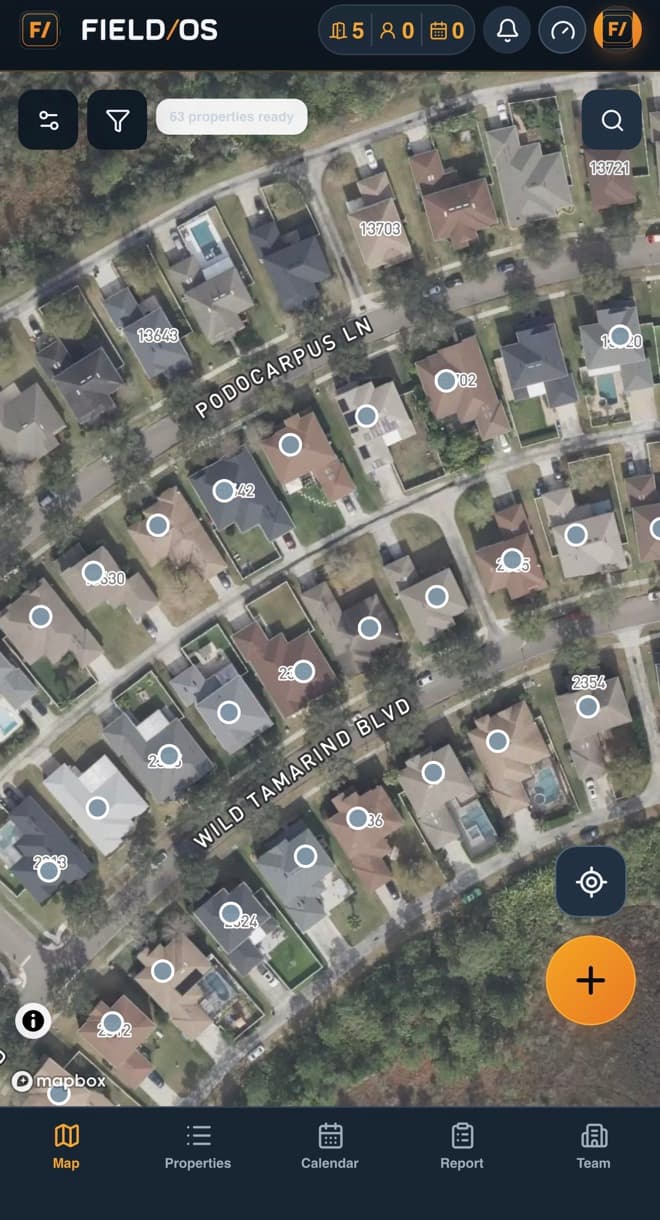
Field OS keeps field teams, managers, and sales specialists aligned without turning the work into another administrative burden.
Field OS is not only a map or a lead list. It gives home security companies a shared operating record for territory planning, field execution, customer handoffs, documentation, and performance management.
Give each field team a clear property map and shared visit history. Managers can review the activity and its outcome without asking the field team to recreate the story later.
Record security goals, smart-home interests, contact details, and consultation timing. Managers can review the activity and its outcome without asking the field team to recreate the story later.
Send the assigned advisor a complete, access-controlled customer record. Managers can review the activity and its outcome without asking the field team to recreate the story later.
Give each field team a clear property map and shared visit history. Managers can review the activity and its outcome without asking the field team to recreate the story later.
Use role-aware access to keep representatives focused on their assignments while company leaders retain visibility across territories, appointments, evidence, customer milestones, and team performance.
Give each field team a clear property map and shared visit history.
Record security goals, smart-home interests, contact details, and consultation timing.
Send the assigned advisor a complete, access-controlled customer record.
Start with Field OS and give every field interaction a clear next step.
Start your free trialChoose another industry, or use the Field OS logo and footer navigation to return to the main website.