Seasonal teams overlap
Share territory history so canvassers and comfort advisors know what already happened.
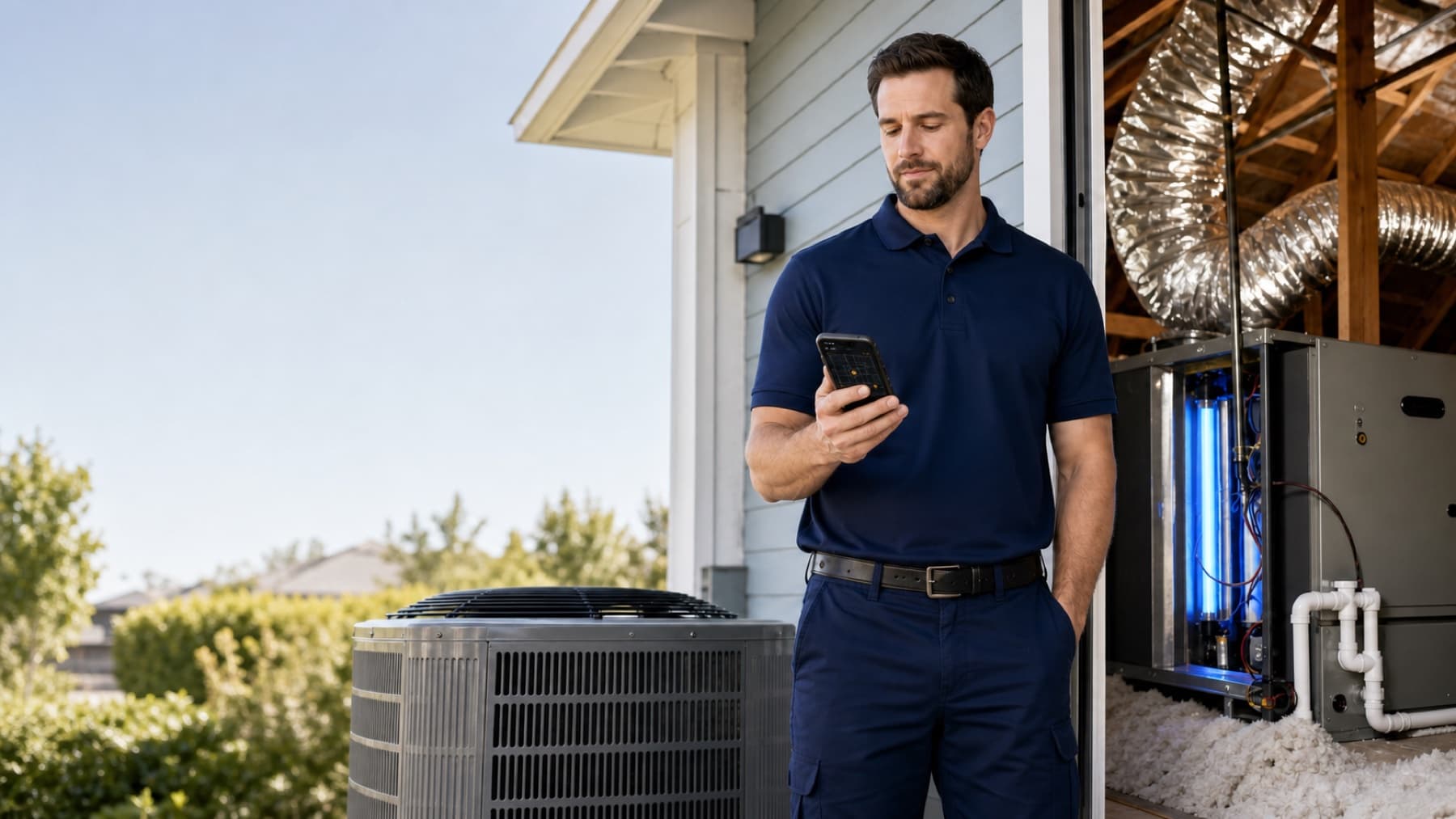
Field OS helps comfort teams coordinate neighborhood outreach, document system concerns, schedule assessments, and connect field demand to sales capacity.
Document equipment age, ductwork, insulation, comfort concerns, and indoor-air-quality interests—including UV treatment—before scheduling the advisor.
Give every property, conversation, appointment, and outcome the context your team needs to act.
Share territory history so canvassers and comfort advisors know what already happened.
Record equipment age, comfort concerns, air-quality needs, photos, and access notes.
Check recurring availability, existing appointments, unavailable blocks, and travel buffers.
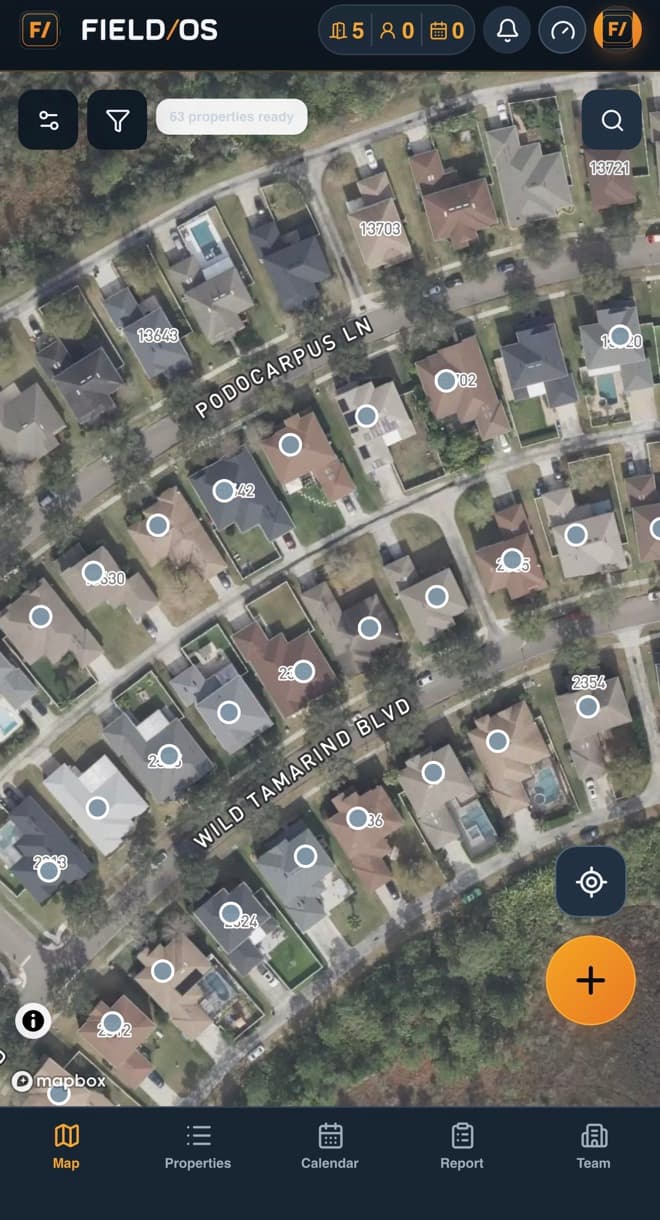
Field OS keeps field teams, managers, and sales specialists aligned without turning the work into another administrative burden.
Field OS is not only a map or a lead list. It gives hvac companies a shared operating record for territory planning, field execution, customer handoffs, documentation, and performance management.
Assign neighborhoods and monitor doors, conversations, and appointments in real time. Managers can review the activity and its outcome without asking the field team to recreate the story later.
Capture comfort issues, equipment context, household priorities, and supporting photos. Managers can review the activity and its outcome without asking the field team to recreate the story later.
Create a closer-ready assessment with notifications and calendar-ready details. Managers can review the activity and its outcome without asking the field team to recreate the story later.
Assign neighborhoods and monitor doors, conversations, and appointments in real time. Managers can review the activity and its outcome without asking the field team to recreate the story later.
Use role-aware access to keep representatives focused on their assignments while company leaders retain visibility across territories, appointments, evidence, customer milestones, and team performance.
Assign neighborhoods and monitor doors, conversations, and appointments in real time.
Capture comfort issues, equipment context, household priorities, and supporting photos.
Create a closer-ready assessment with notifications and calendar-ready details.
Start with Field OS and give every field interaction a clear next step.
Start your free trialChoose another industry, or use the Field OS logo and footer navigation to return to the main website.